Translate




Introduction
Clackamas County handles Secure Email via our new Spam Filter web application called Mimecast. The following guide will show an external user how to access Secure Email messages from county users for External Users.
Opening a Secure Email (External)
If sent successfully, you will receive an email from “Postmaster” like the example below.
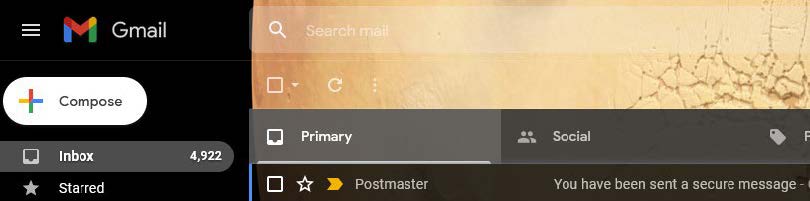
Once you open the email, you will see a message like the one below. Click either of the two links in the body of the email. Note: If the links are expired or do not function properly, use the following link: Mimecast Secure Email Login
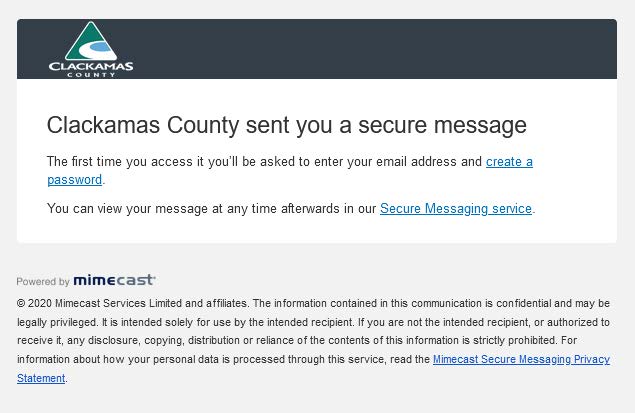
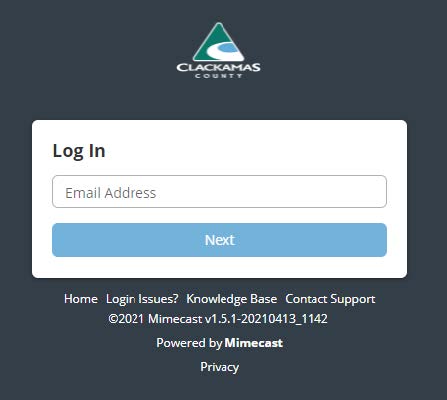
Once any of the links above are clicked, you’ll be navigated to Mimecast Secure Mailbox log-in screen.
- If this is your first time opening a secure email in our new system, you will also be prompted to create a password for your Mimecast Secure Mailbox account.
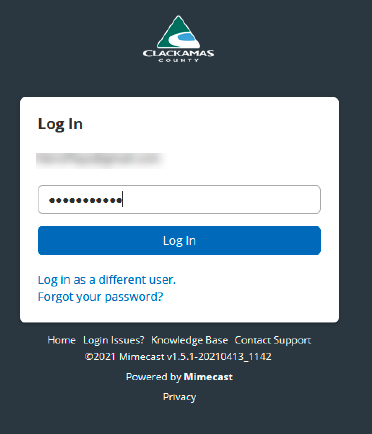
- If the first prompt is for your email, enter the email address you received the Postmaster email to. Afterward, click “Forgot your Password”, then follow the prompts to create a password following the requirements listed below.
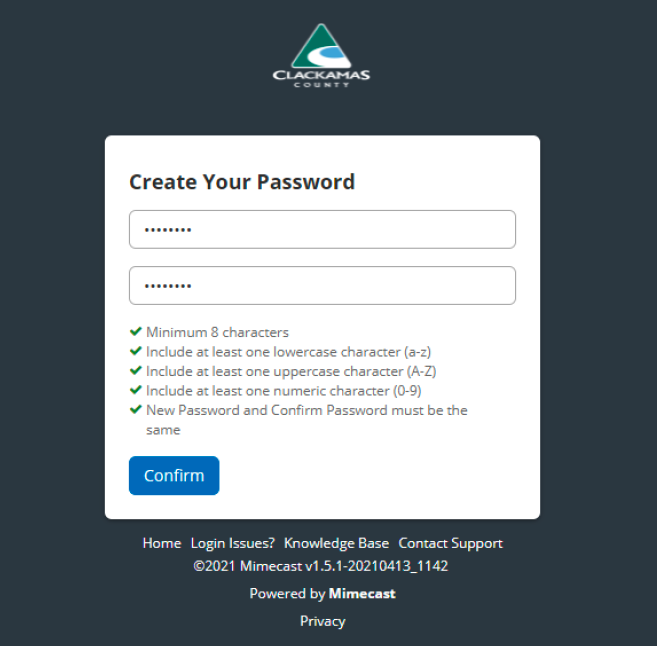
After creating your password, you will be prompted to login using your email address again and the password you created for the Secure Email site. Enter those credentials below.
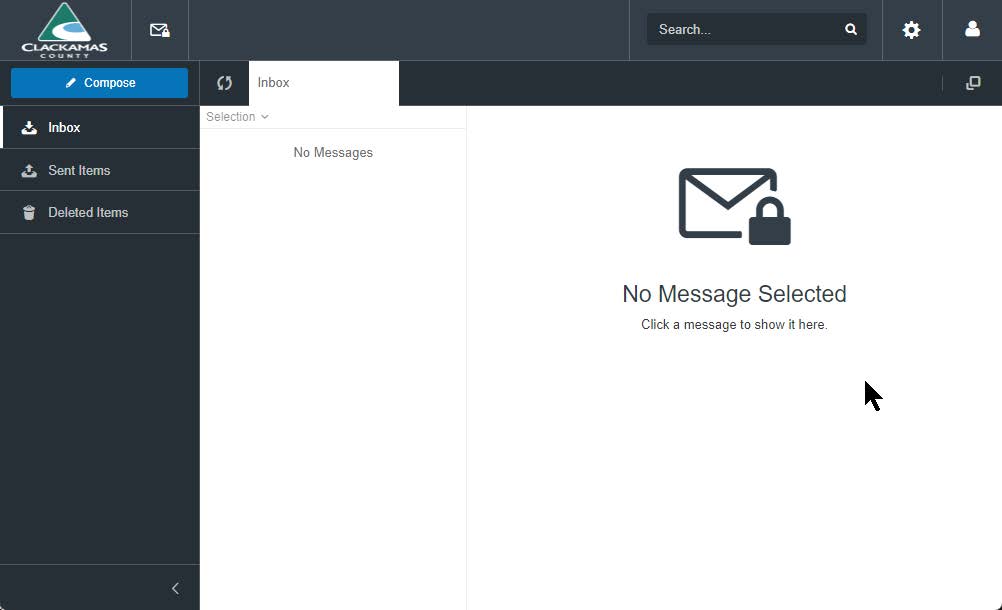
If entered successfully, you will log in and see the Secure Messaging Mailbox like the one below. From here, you can open any secure emails sent to you via the county Mimecast Secure Messaging Service.
Additional Information
If you have any issues with our Secure Email service, please let your point of contact at Clackamas County know. Thank you.